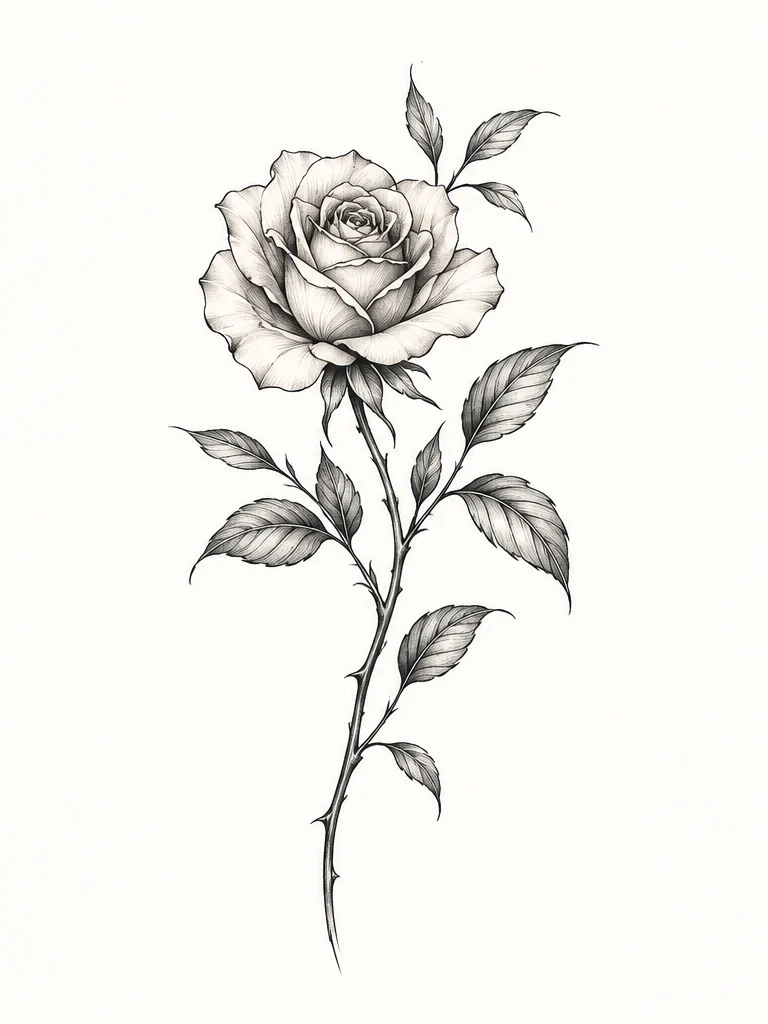
Your idea
AI Tattoo Generator
Describe what you have in mind, in your own words.
Start with an idea AI TATTOO DESIGN STUDIO

From first idea to stencil
Start with an idea, image, or meaningful words. Refine your design, preview it on your body, and take it to your tattoo artist.
Start with what you have
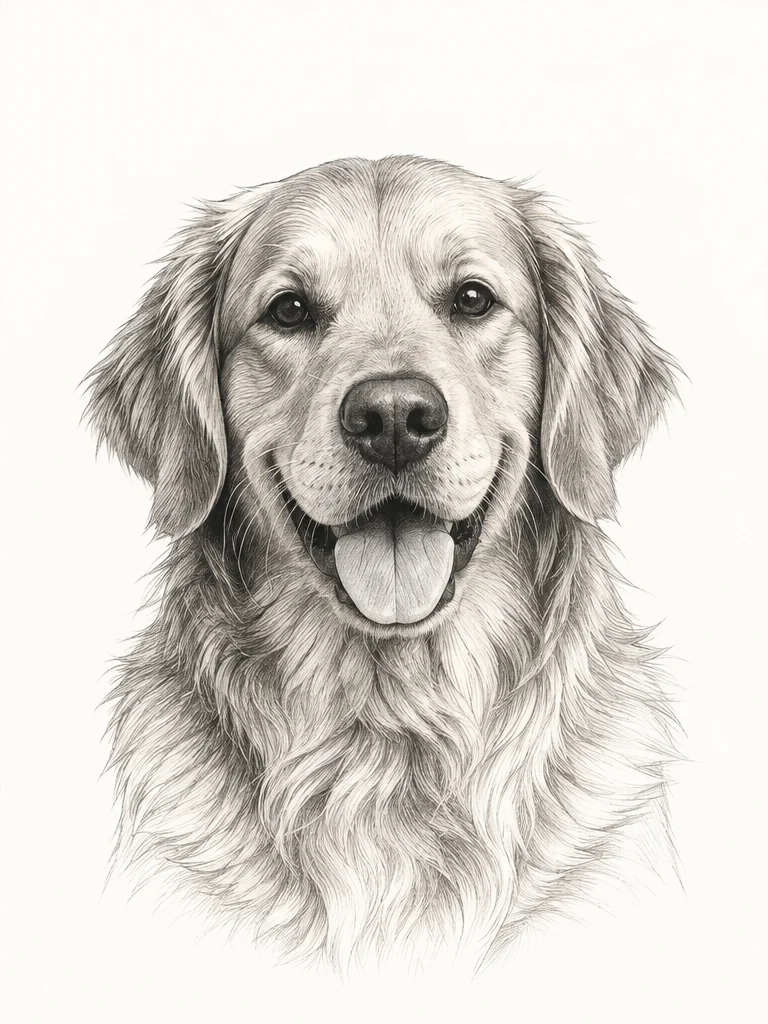
Turn an idea into a tattoo, transform a reference image, or explore meaningful lettering.
Your idea
Describe what you have in mind, in your own words.
Start with an ideaA reference
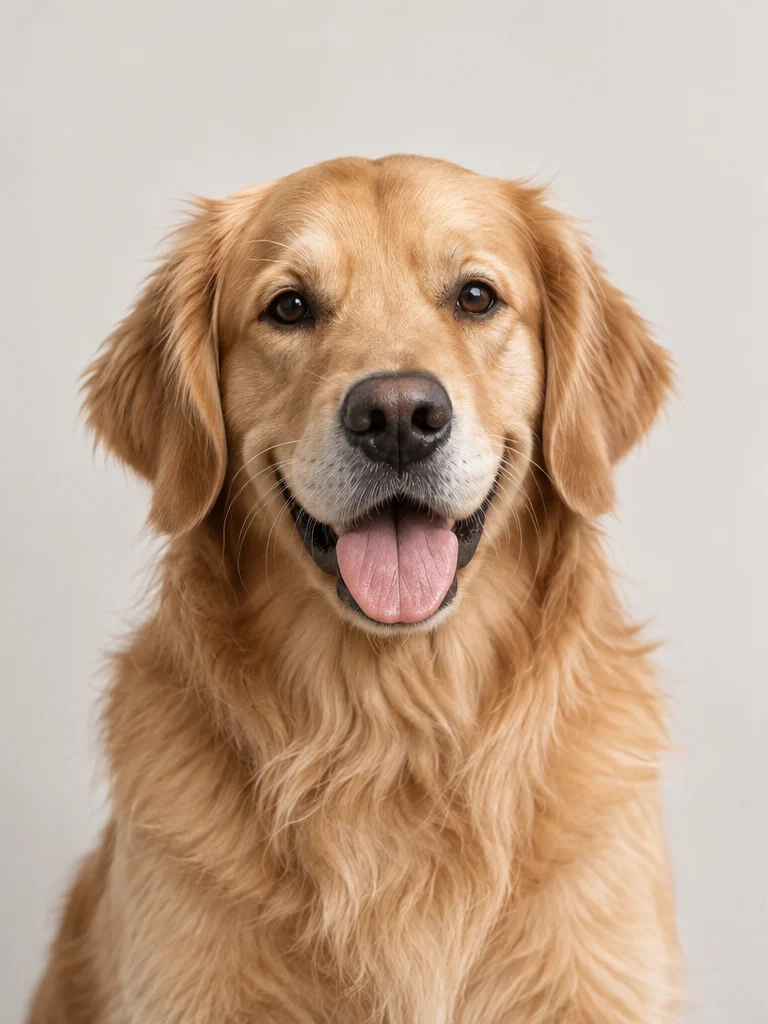
Upload a sketch, photo or artwork to guide the direction.
Meaningful words
Explore tattoo fonts for names, dates and personal phrases.
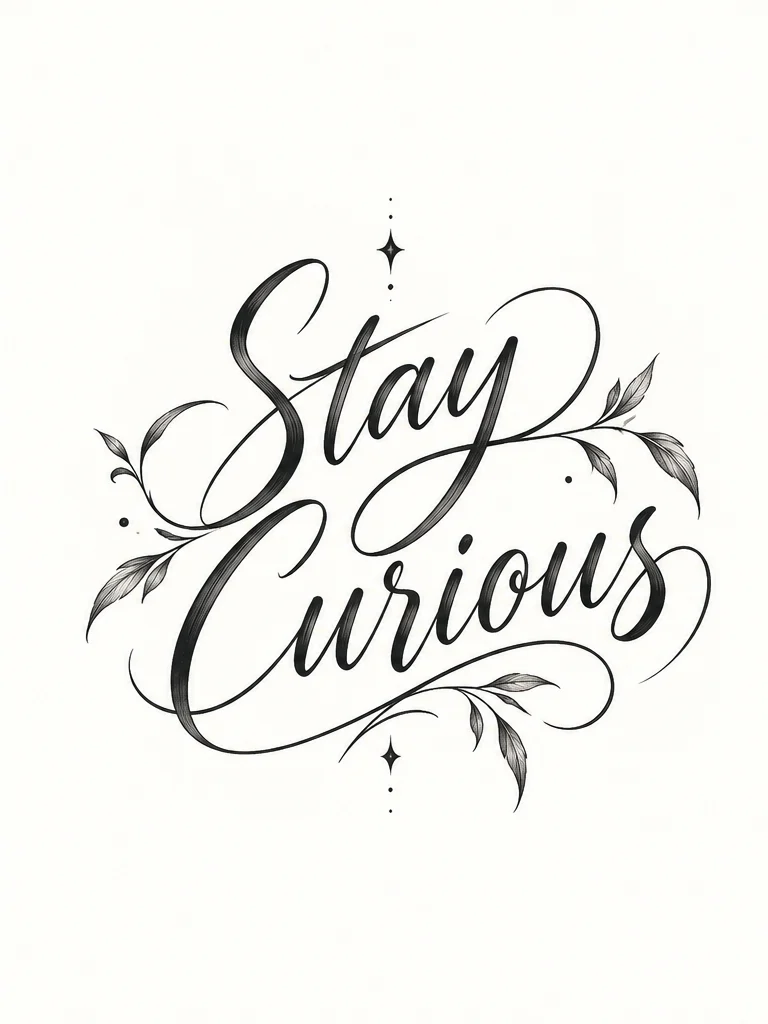
Find your direction
Explore different subjects and styles to find a direction that feels right for you.
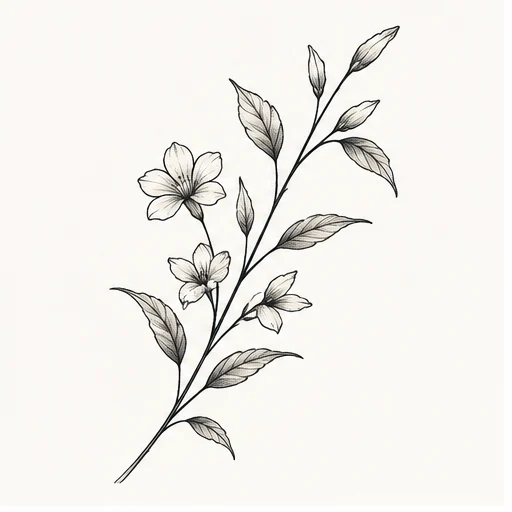
A delicate leafy botanical branch
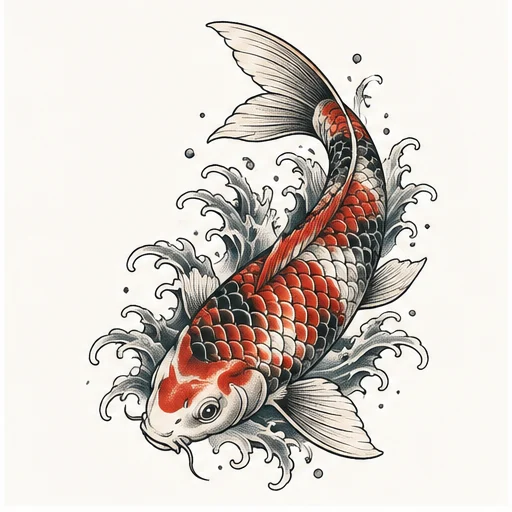
A Japanese koi fish swimming through soft waves
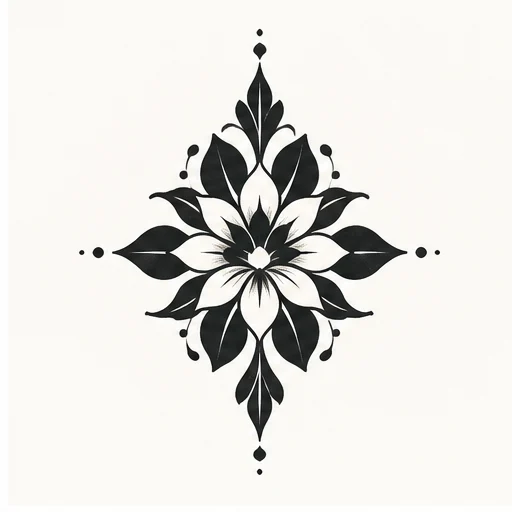
A bold blackwork flower with negative space
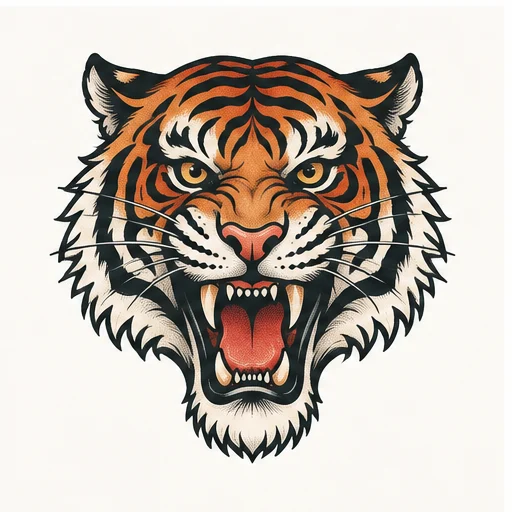
A classic traditional tiger head
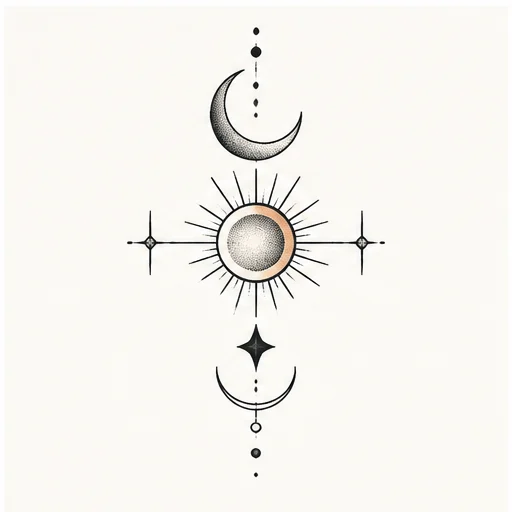
A crescent moon with simple geometric symbols
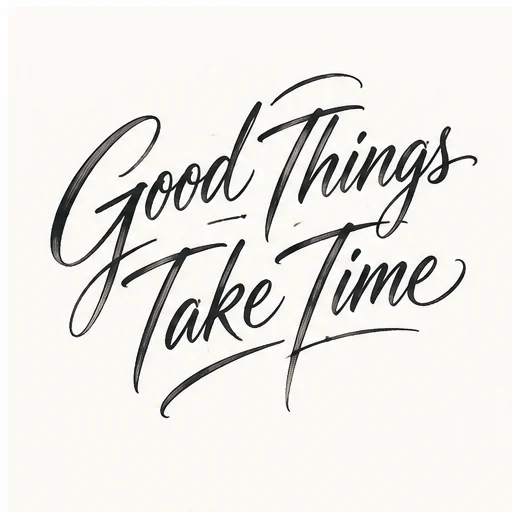
Refine. Iterate. Make it yours.
Make changes, compare versions, and keep your original. Find the direction that feels like you.
Start designing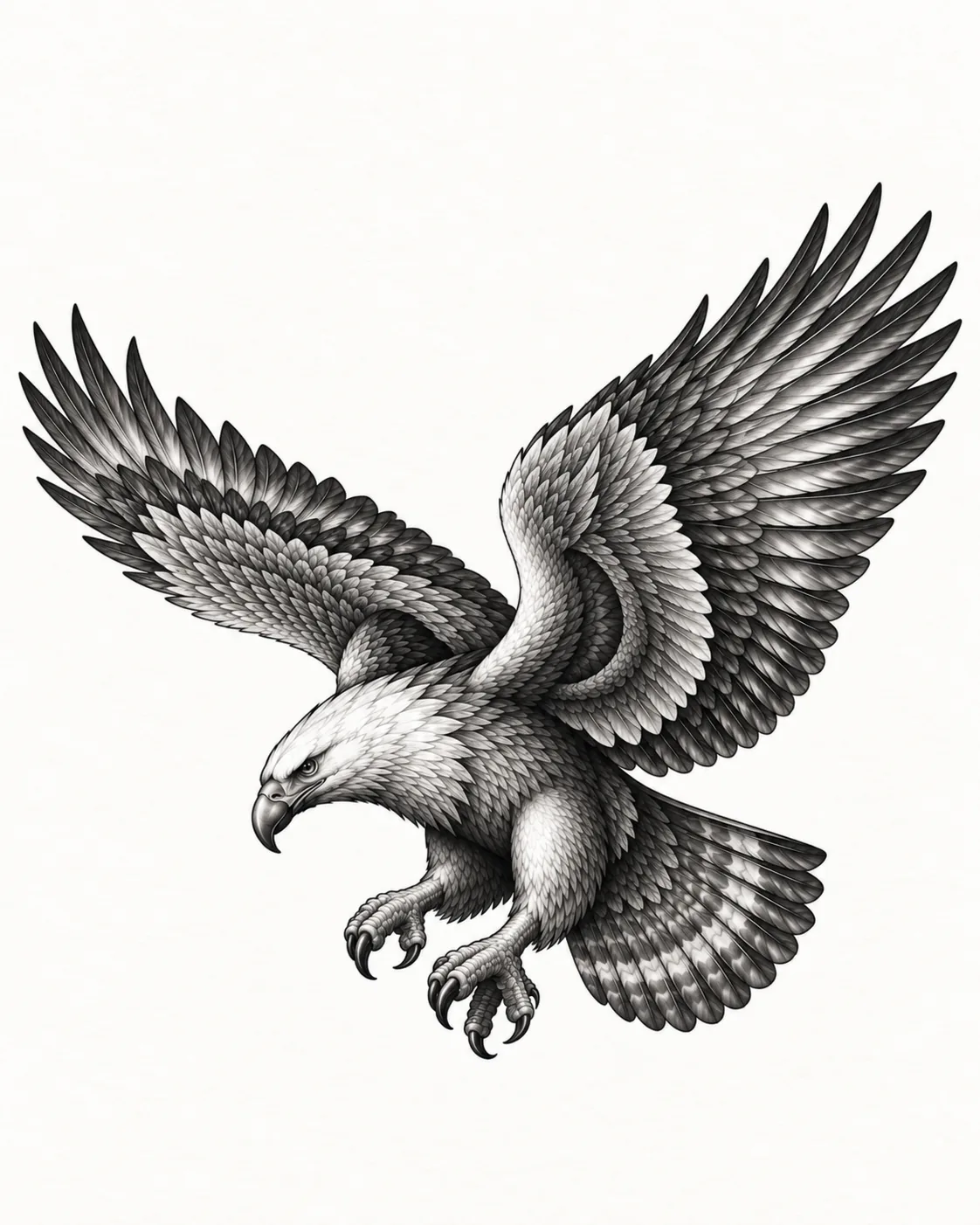
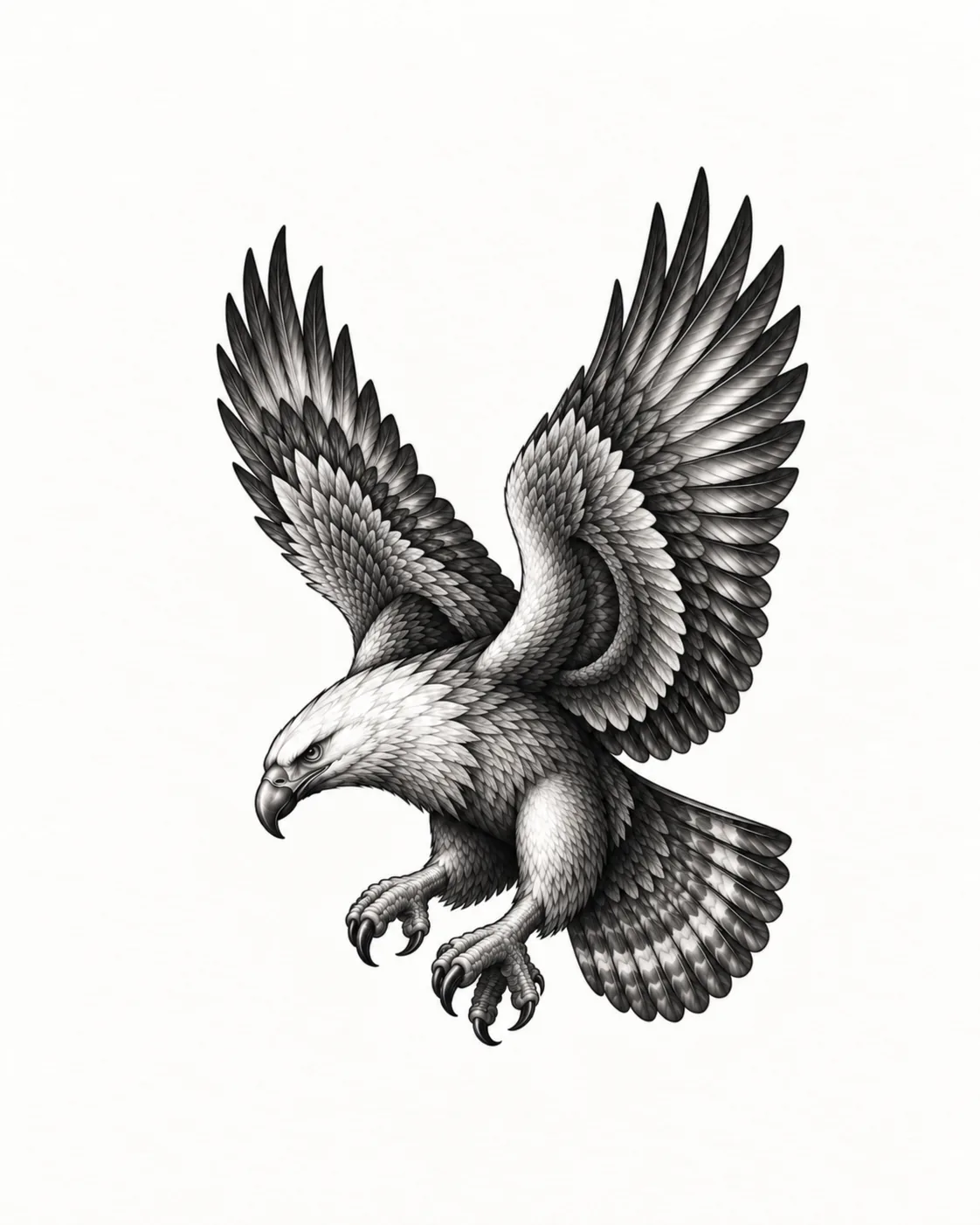
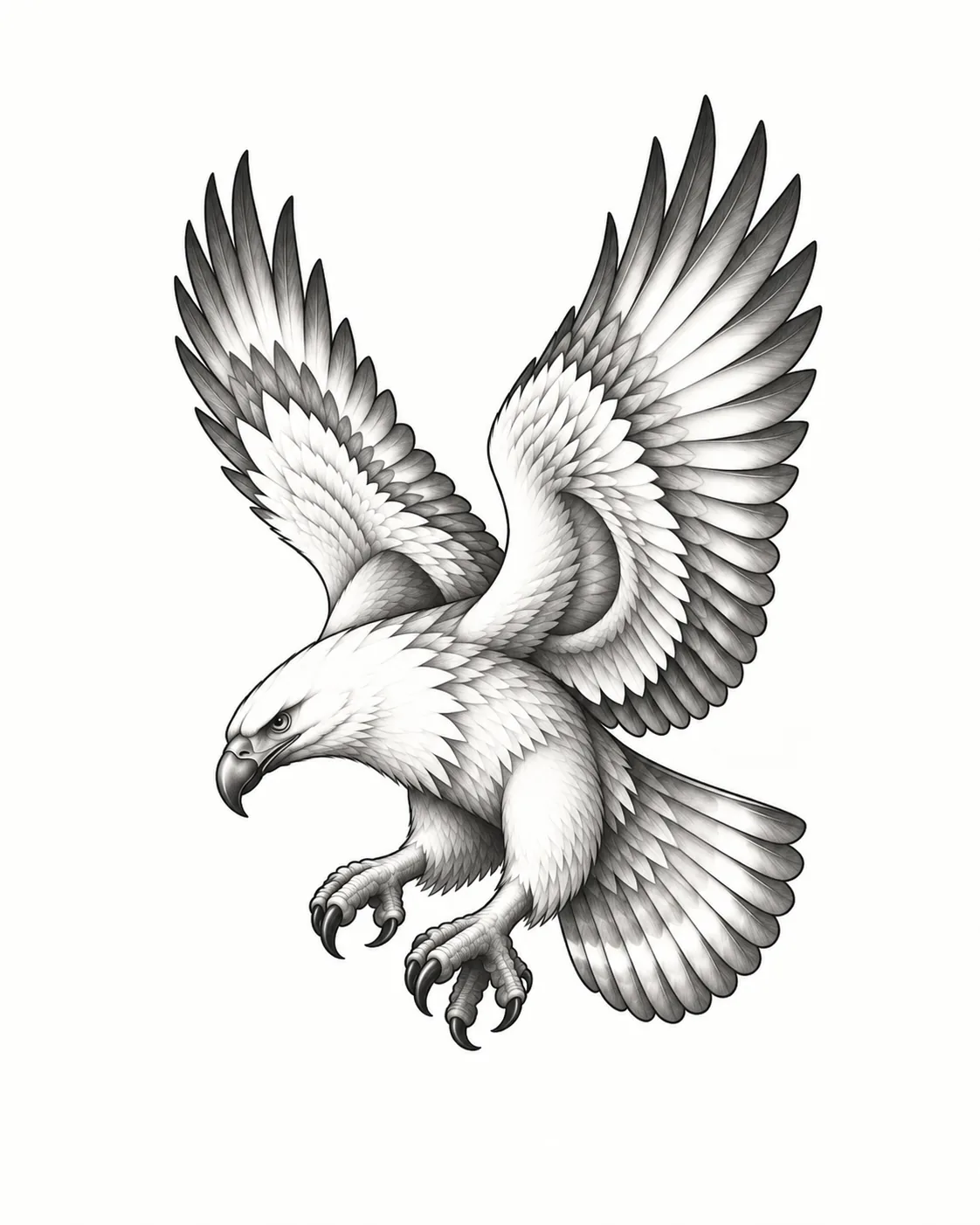
Tattoo try-on
Choose a photo on your device and explore the placement locally. Find a size, angle and position you like before sharing the idea with your artist.
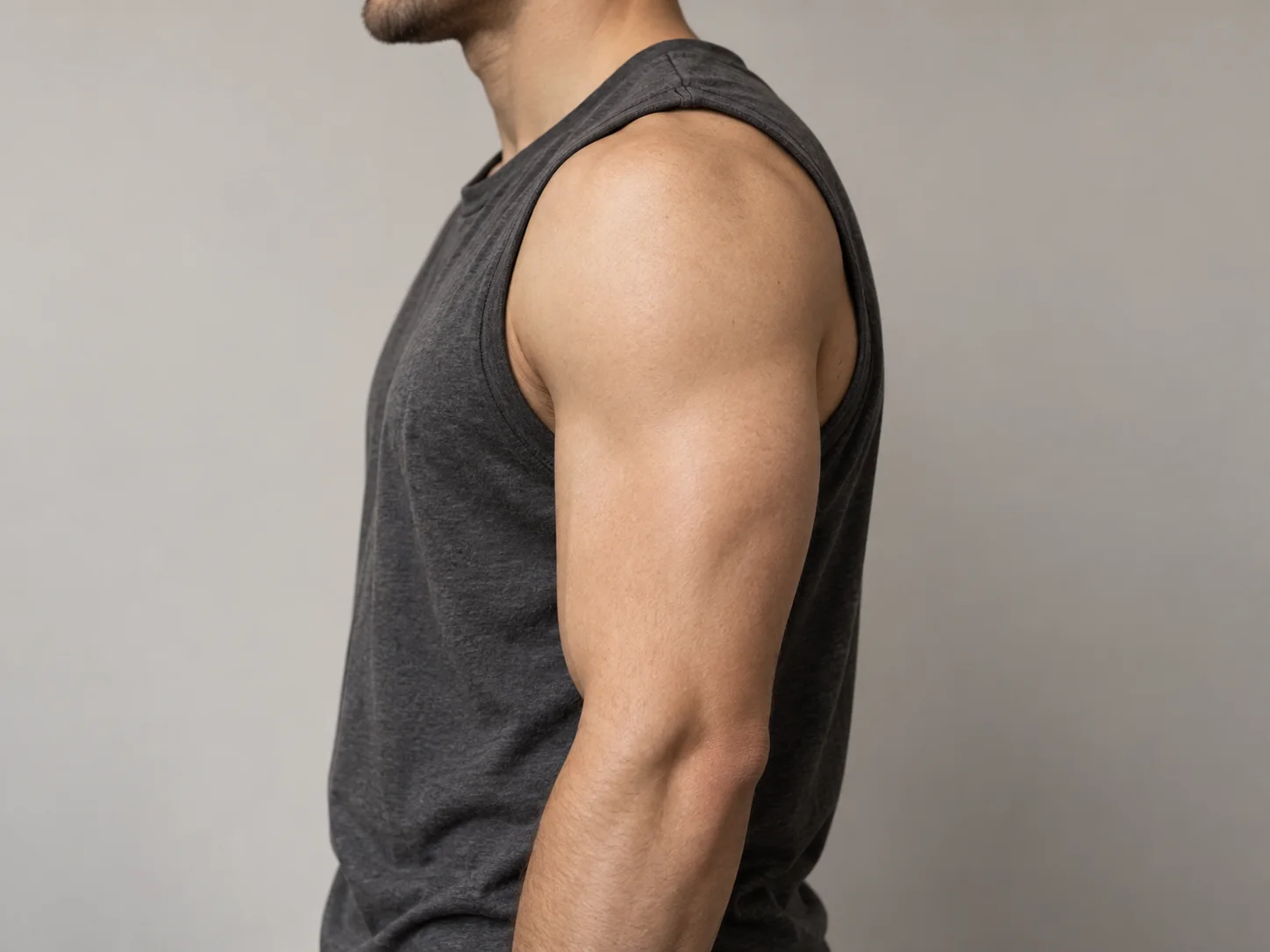
The details matter
Use the tattoo stencil maker to turn a clean design into a line-art draft for further work.
Open Tattoo Stencil Maker Bring a clear direction to your appointment. Your artist can adapt the linework, scale and placement for your skin.1. Final design (V3)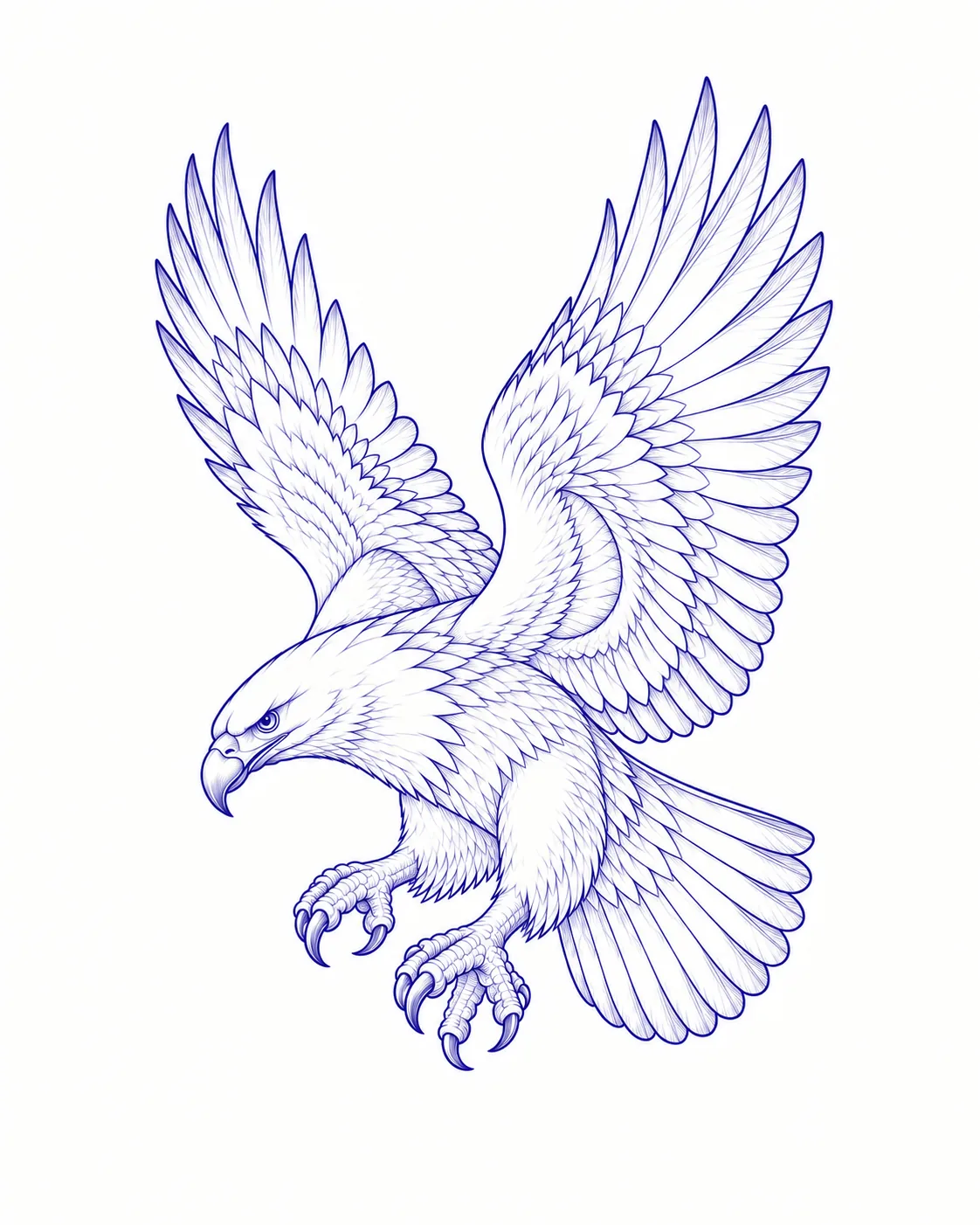 2. Stencil / transfer
 3. Ready for your artist
About Inkvoya
Inkvoya is an AI tattoo design studio for people planning their next tattoo. Start from an idea, a photo or meaningful words, explore styles, refine versions, preview placement and prepare a stencil, all in one place.
It does not replace your tattoo artist. It helps you arrive at your consultation with a clearer direction, so the tattoo you finally wear is shaped by both of you.
More about Inkvoya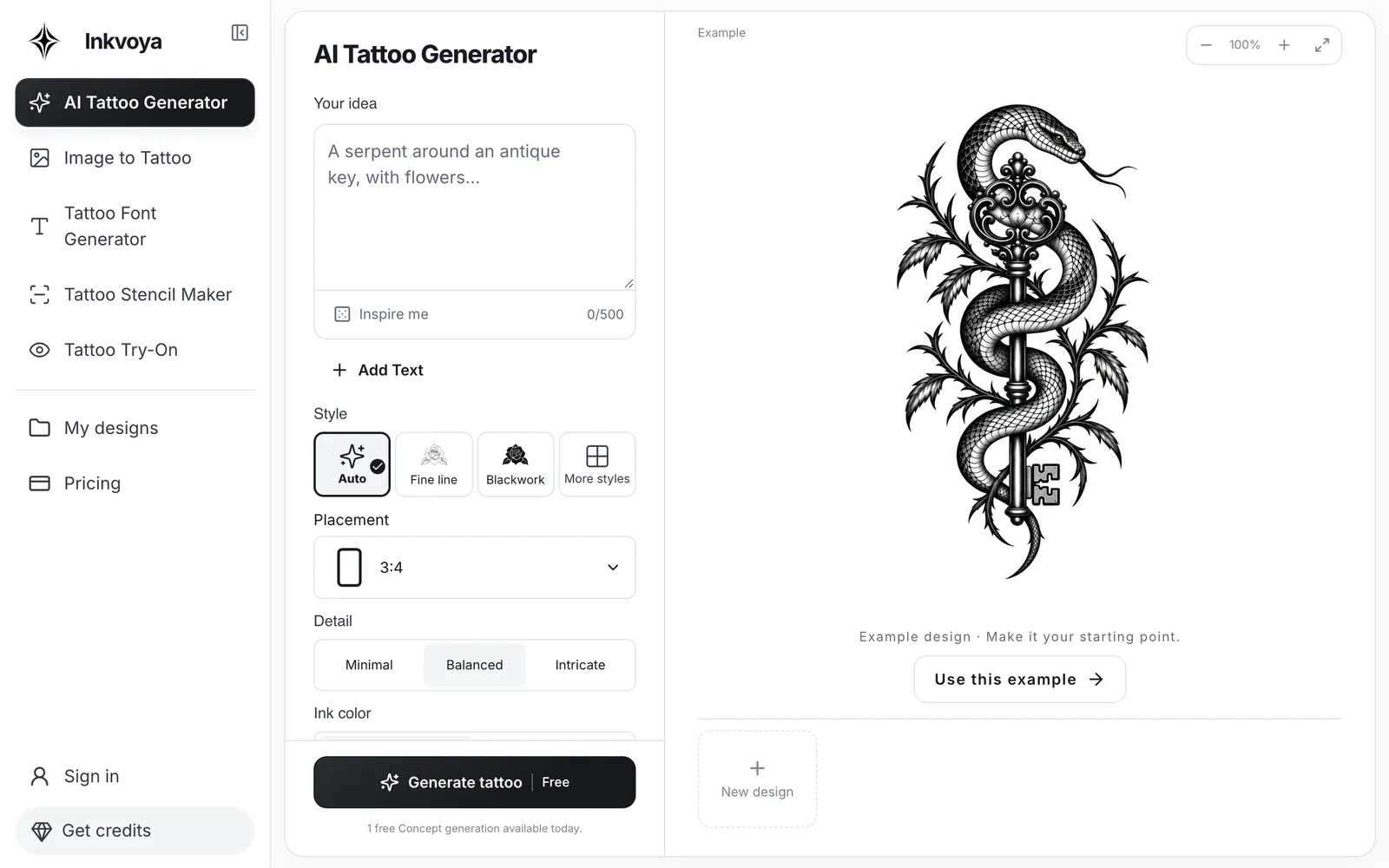
A few things to know
Yes, while the free trial is available you can create a design from text without an account; the generator shows whether a free try is left today. Your result is kept for 7 days; sign in to keep it. Image to tattoo and stencils use credits.
Yes. Add a reference image and describe the direction you want to explore. Sign in when you’re ready to generate from it.
Yes. Refining creates a new version and keeps your original, so you can compare and choose what to keep.
Yes. Place a design on a sample or your own photo and adjust its size, rotation and position, free and without credits. It is a 2D preview for judging placement.
You can download your saved designs, lettering as a transparent PNG and try-on previews as PNG. Saving to the cloud needs an account.
No. It stays in your browser tab. It is only uploaded if you choose to save the finished preview to your account.
The cost is shown before you generate. Writing an idea and exploring the tools does not use credits. See pricing for current plans and credit options. Pricing
Use the artwork as a concept for discussion. Your artist should adapt line thickness, size and placement for your skin and how the tattoo will age.
Bring an idea. Give it room to evolve.