Image to Tattoo
Turn your photos and sketches into tattoo designs
Upload a photo of your pet, a sketch or a piece of artwork, say what to keep and choose a tattoo style. The image to tattoo converter reinterprets it as tattoo artwork you can keep refining.
From photo to tattoo artwork
A pet portrait, a family photo, a flower from the garden or a sketch on paper: one clear image is enough to start.
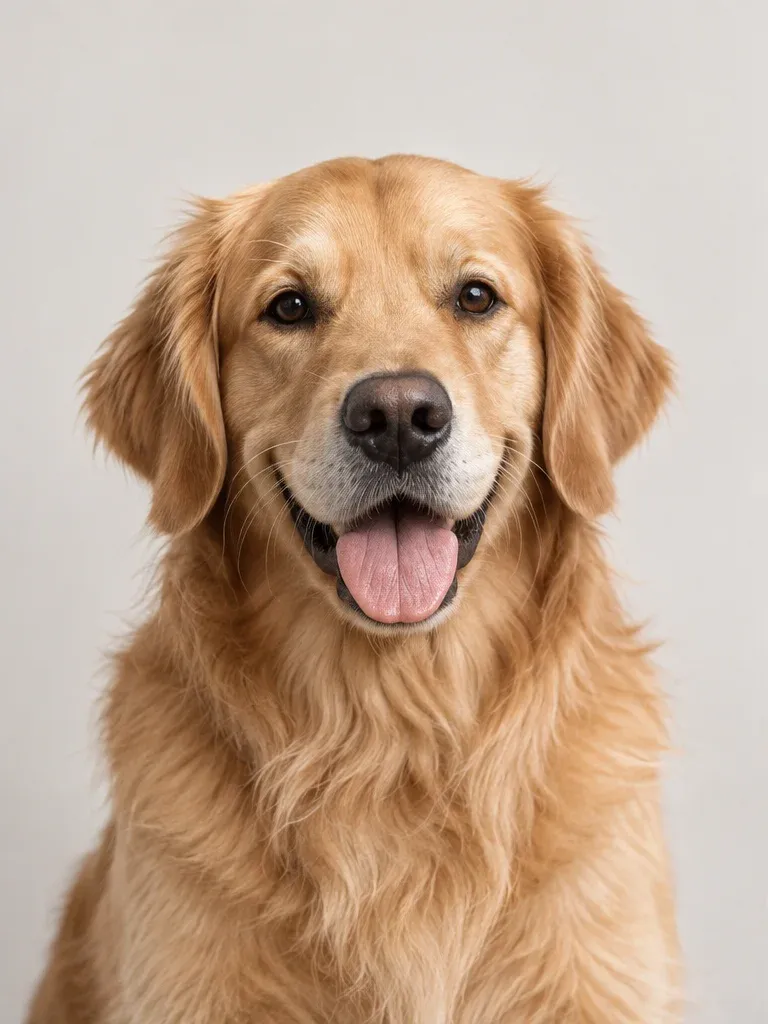
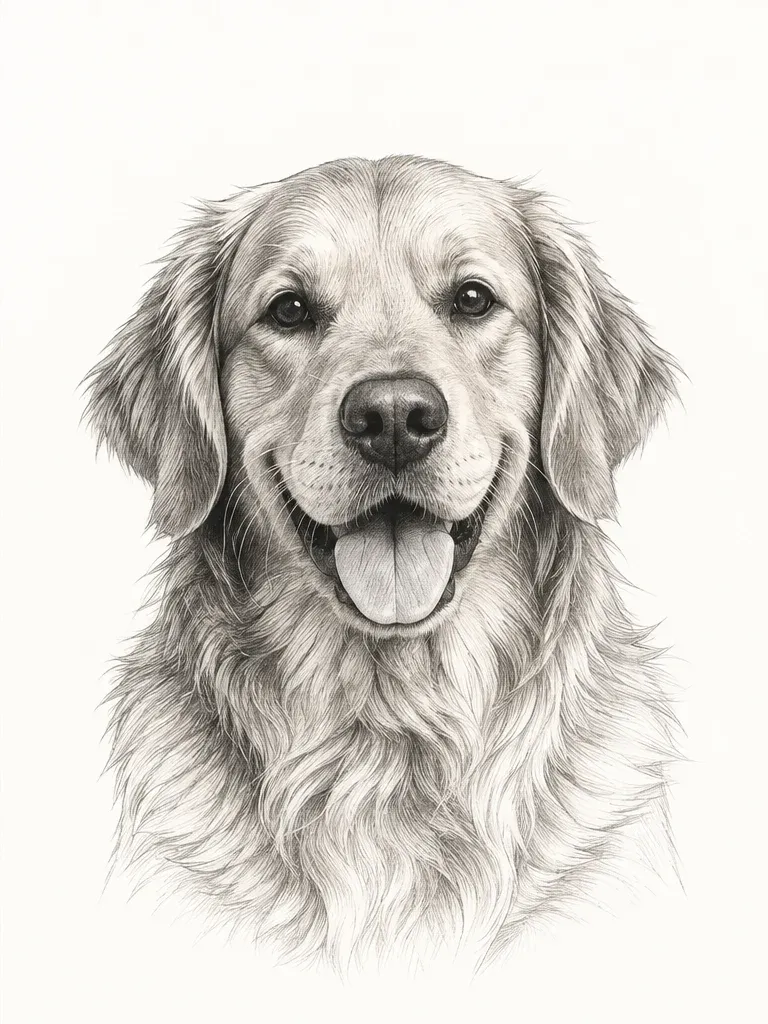
Keep the details that matter
Tell the generator what makes the subject recognizable, such as a pet’s markings, the shape of an ear or a flower’s outline, then choose the style that suits it.
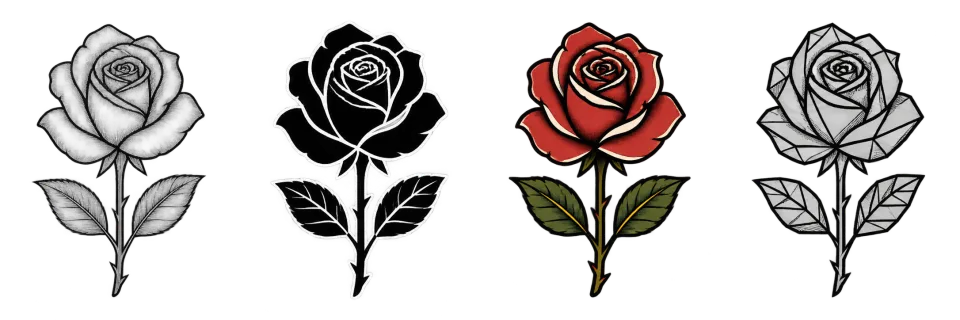
Refine it and try it on
Ask for changes to create new versions, then place your favorite on a photo with Tattoo Try-On to check size and placement.
Tattoo styles for your image
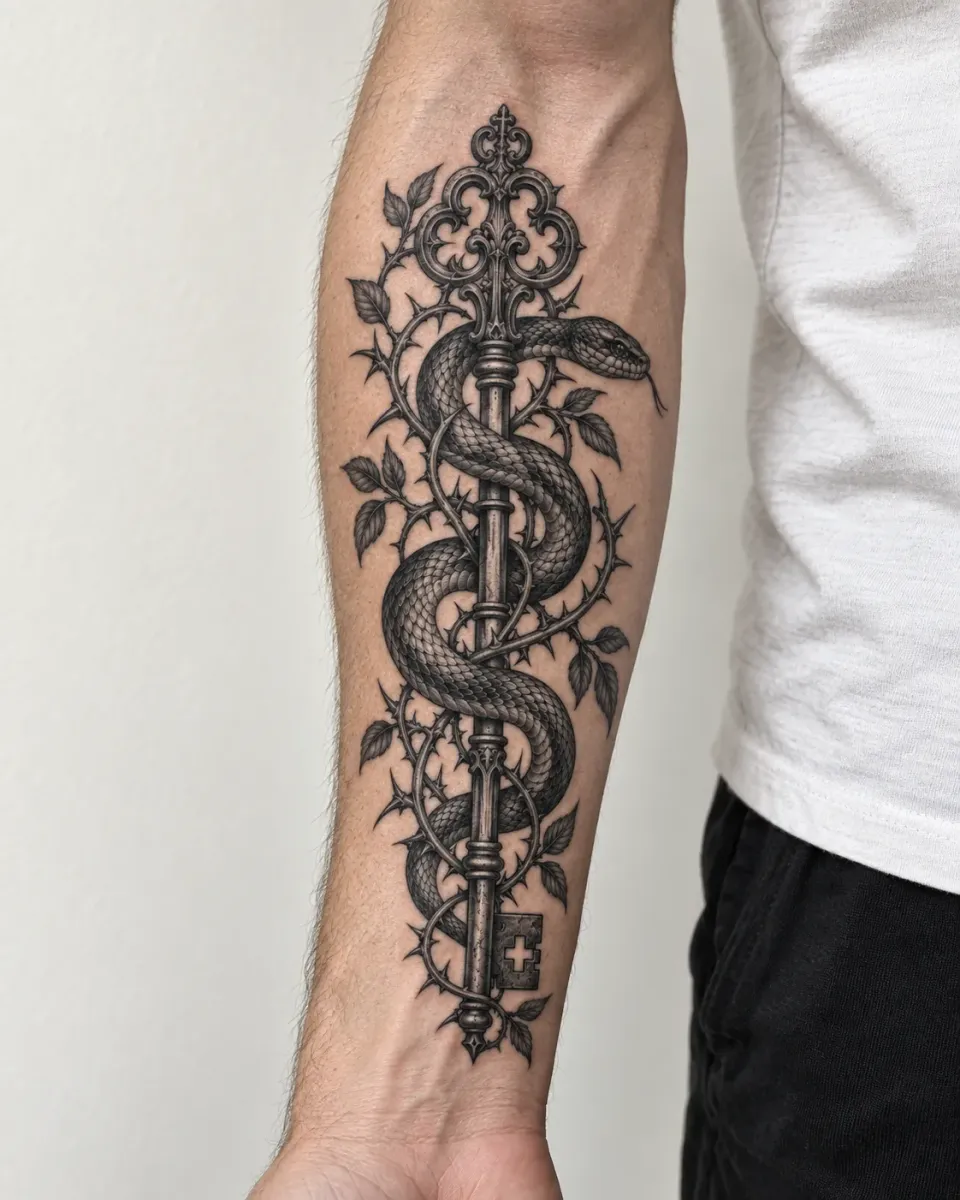
The same rose drawn in every style. Pick one in the generator, or leave it on Auto.
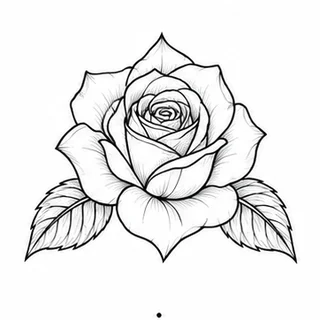
Fine line Tattoo
Thin, precise lines and delicate detail, ideal for small botanicals and symbols.
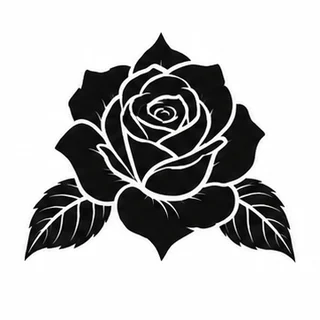
Blackwork Tattoo
Bold, solid black shapes with strong contrast and negative space.
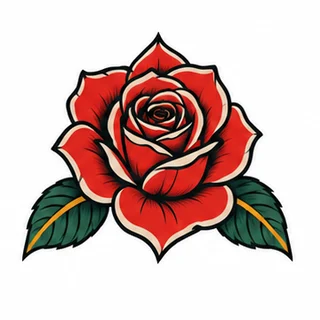
Traditional Tattoo
Bold outlines and a limited palette in the classic old-school style.
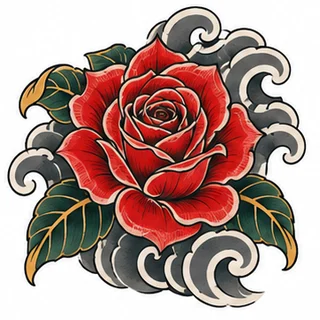
Japanese Tattoo
Irezumi-inspired waves, koi, peonies and flowing compositions.
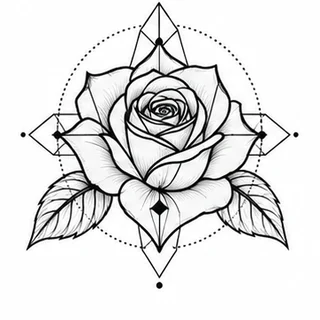
Geometric Tattoo
Lines, circles and symmetry that give structure to any subject.
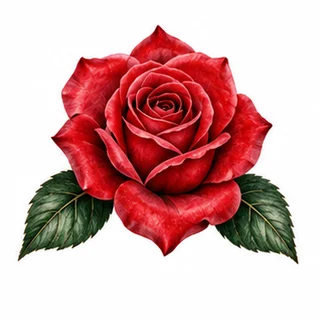
Realism Tattoo
Lifelike shading and texture, like a photograph in ink.
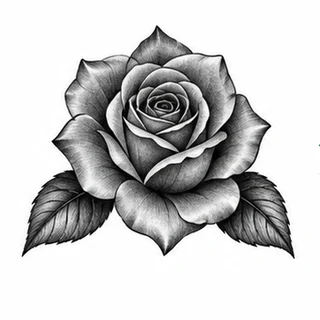
Black & Grey Tattoo
Soft grey gradients and smooth shading in black ink only.
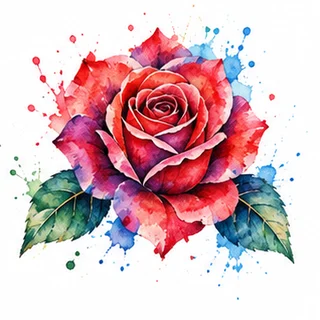
Watercolor Tattoo
Soft washes and splashes of color that look painted on the skin.
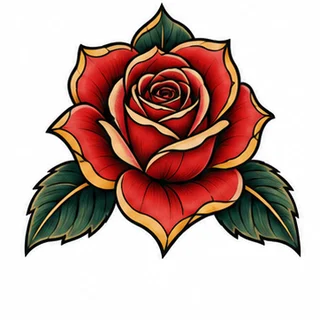
Neo Traditional Tattoo
Traditional structure with richer color, depth and ornament.
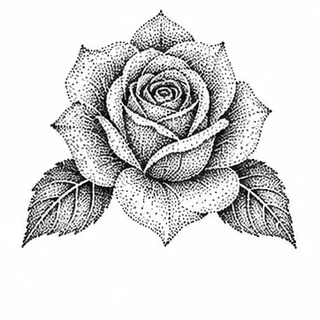
Dotwork Tattoo
Shading built from thousands of tiny dots.
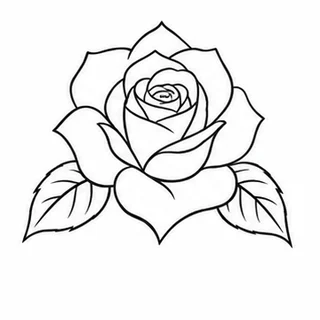
Minimalist Tattoo
Only the essential lines: simple, small and quiet.
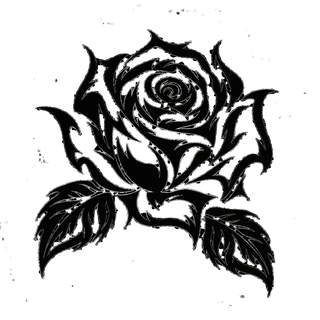
Tribal Tattoo
Bold, flowing black shapes inspired by tribal patterns.
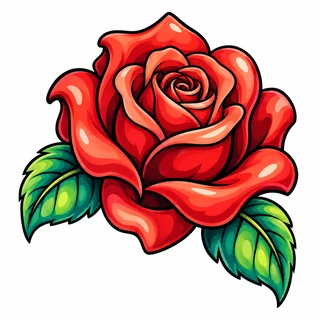
New School Tattoo
Cartoon-like exaggeration, thick outlines and bright color.
How to use the Image to Tattoo
Upload a clear image
Use one JPEG, PNG or WebP image up to 5 MB that you own or have permission to use.
Say what to keep and pick a style
Describe the features that matter and the direction you want, then choose a style, placement and ink color.
Sign in, generate and refine
Image to tattoo needs an account and credits. The cost is shown before you generate, and every version is saved to your designs.
Image to Tattoo FAQ
Is image to tattoo free?
No. It needs an account and credits, and the cost is shown before you generate. Writing your request and choosing an image do not use credits.
Will the tattoo match my photo exactly?
Not exactly. The AI reinterprets faces, markings and proportions in the style you choose. Describe what matters most, compare the result with your photo and refine.
What kind of image works best?
A clear, well-lit subject on a simple background. One pet or one object works better than a busy scene.
What happens to my uploaded image?
An image used for a design is kept privately with that design. Uploads you do not use are removed automatically.
Is the design ready to be tattooed?
Treat it as a concept. Your tattoo artist will adjust line weight, size and placement for your skin and for how the tattoo will age.