Tattoo Stencil Maker
Turn a tattoo design into a clean stencil
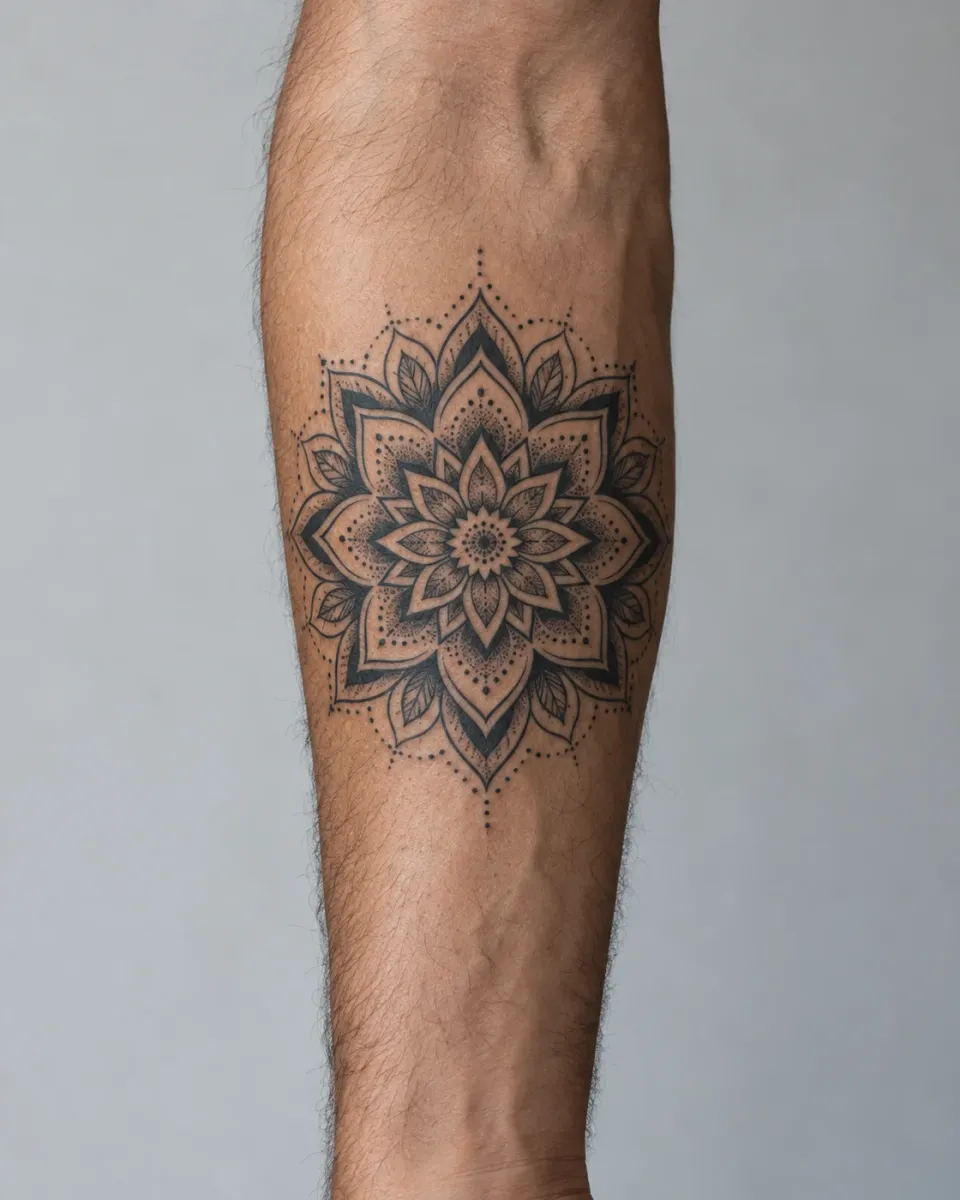
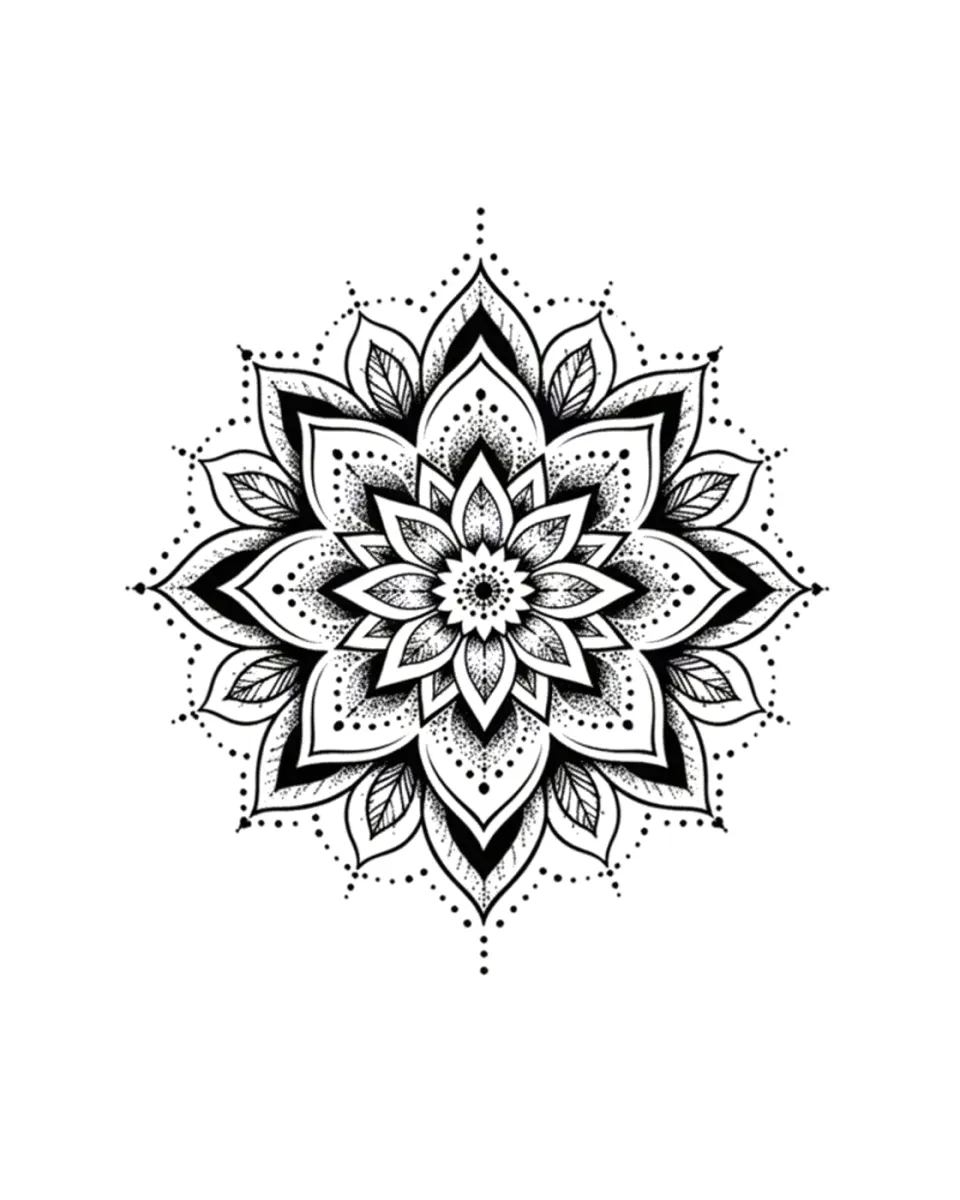
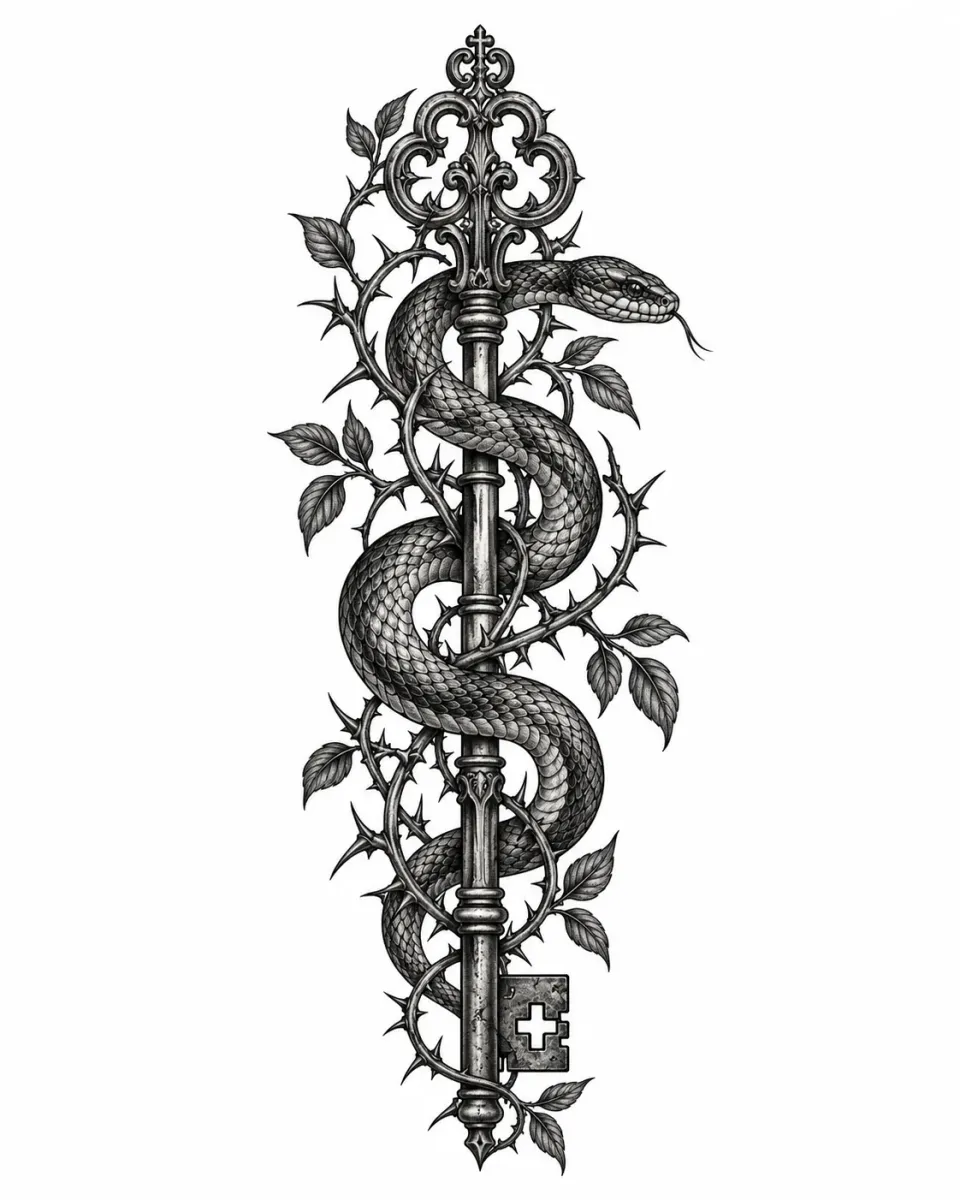
Upload a tattoo design, a photo of an existing tattoo or one of your saved designs. The stencil maker redraws the tattoo as black-and-white line art that is easier to review, print and discuss with your artist.
From design to outline
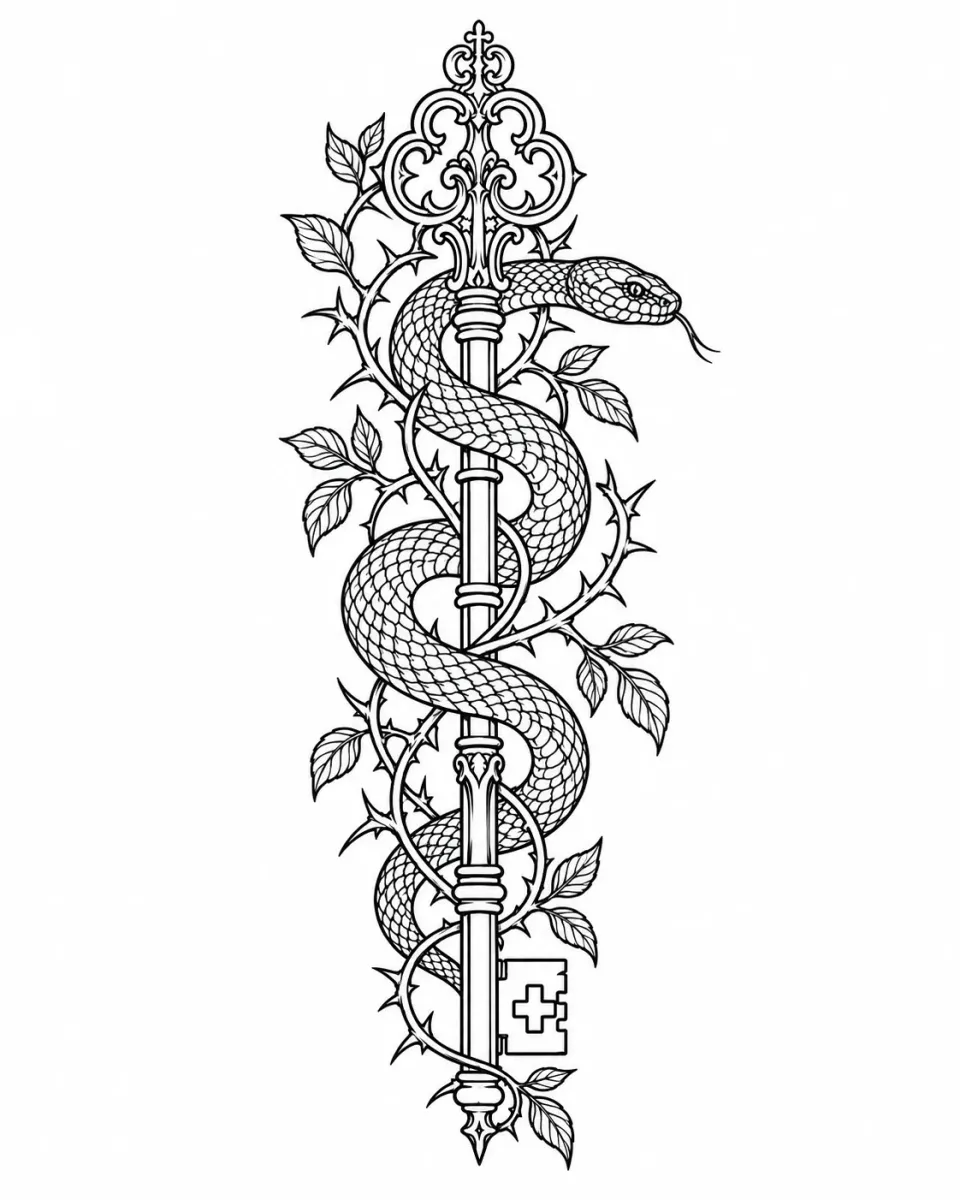
Choose simple outlines for bold, clean lines, or detailed outlines to keep more of the linework.
Ready to discuss with your artist
Print the outline or bring it to your appointment. Your artist checks line breaks, spacing and size before transferring it to skin.
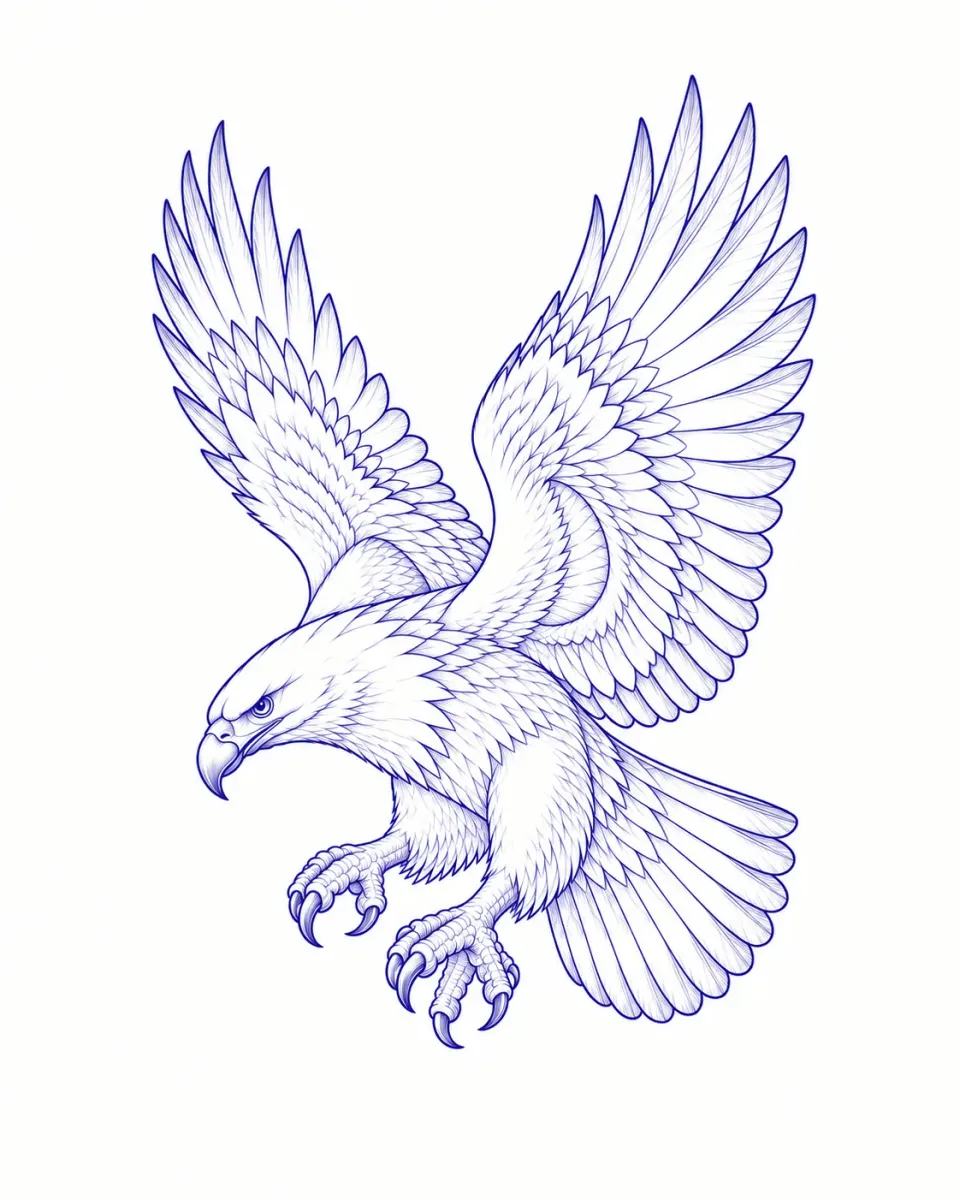
How to use the Tattoo Stencil Maker
Choose a design or tattoo photo
Use a clear design, a saved design version or a sharp photo of a tattoo. From a photo, only the tattoo is traced, not the skin or background. Ratios from 1:2 to 2:1 work.
Pick the level of detail
Simple keeps only the main lines; detailed keeps more texture and small features.
Generate, review and download
Stencils use credits, and the cost is shown on the button. Check the result, then download it or save it with your design.
Tattoo Stencil Maker FAQ
Is the stencil maker free?
No. Each stencil uses credits, and the cost is shown before you generate.
Can I use a photo of an existing tattoo?
Yes. The stencil maker traces only the tattoo and leaves out skin, hair and background. A sharp, well-lit photo taken straight on gives the most accurate outline; strong curves, glare or blur can lose detail.
Is the stencil ready to transfer?
It is an image draft, not a vector file. Your artist should check broken lines, small gaps, text and final size before using it.
What happens to my saved design?
Making a stencil from a saved design adds a new version. The original stays unchanged.