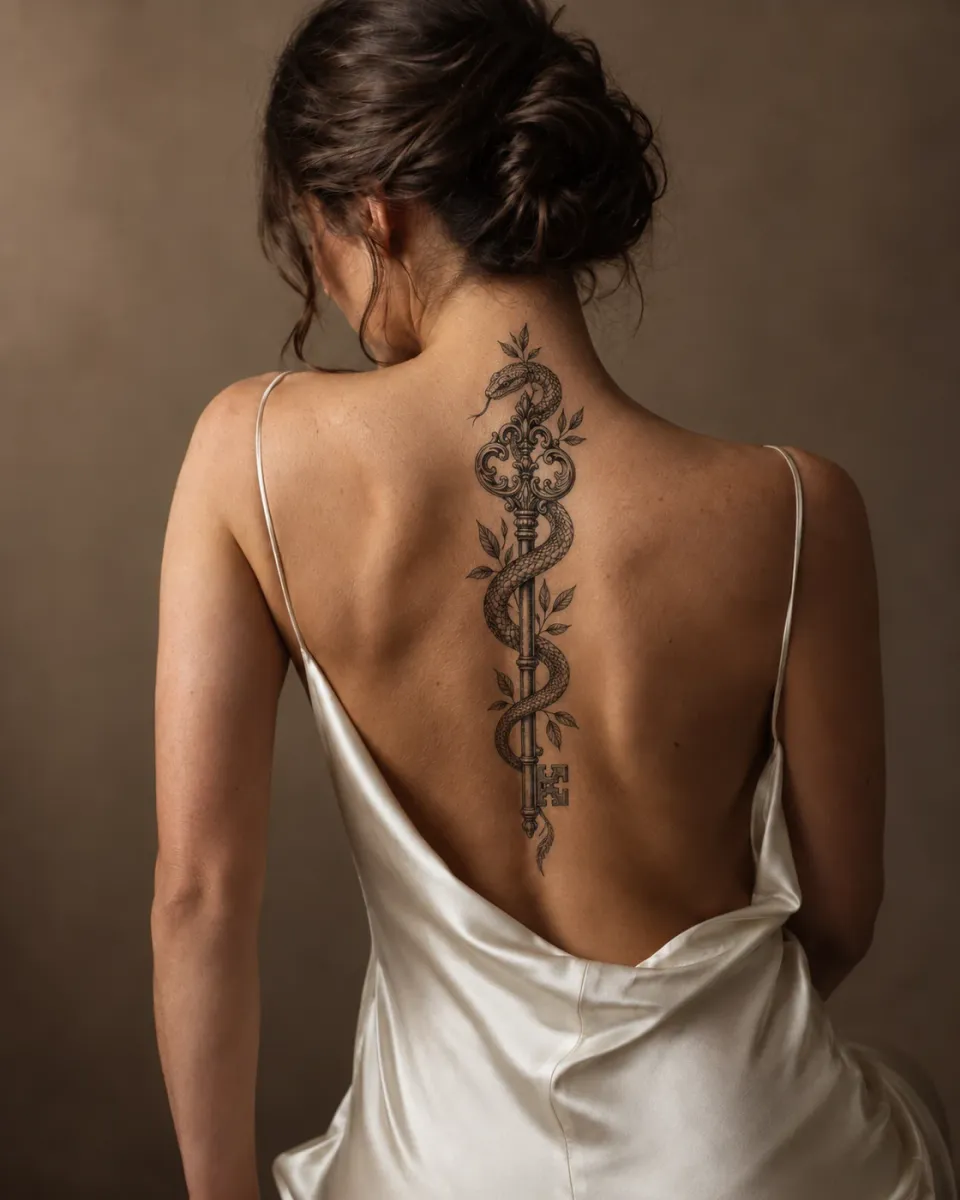
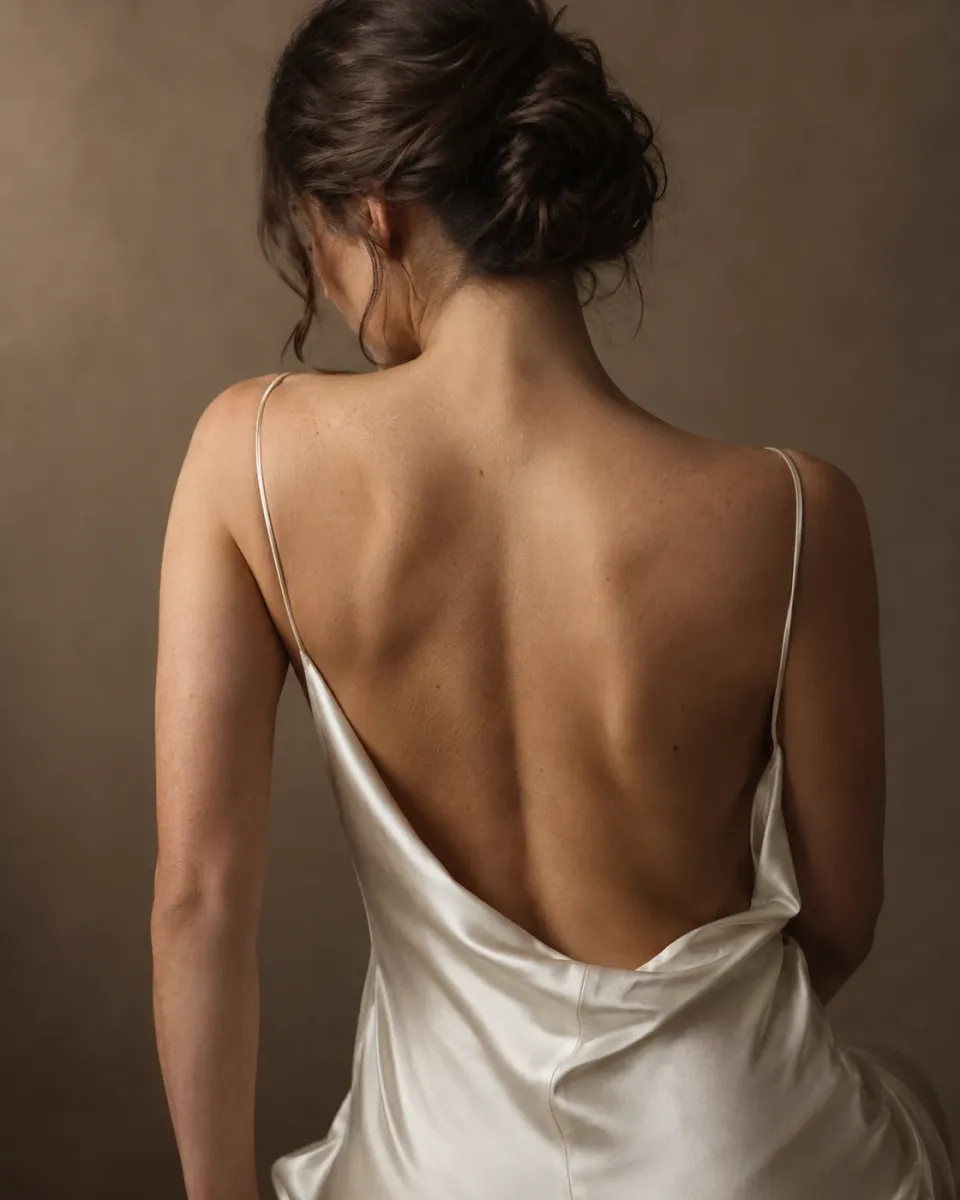
Tattoo Try-On
Preview a tattoo on your body before you get inked
Place a tattoo design on a sample photo or a photo of your own arm, back or leg. Move, resize, rotate and fade it until the size and placement feel right, free and without credits.
See the real size and placement
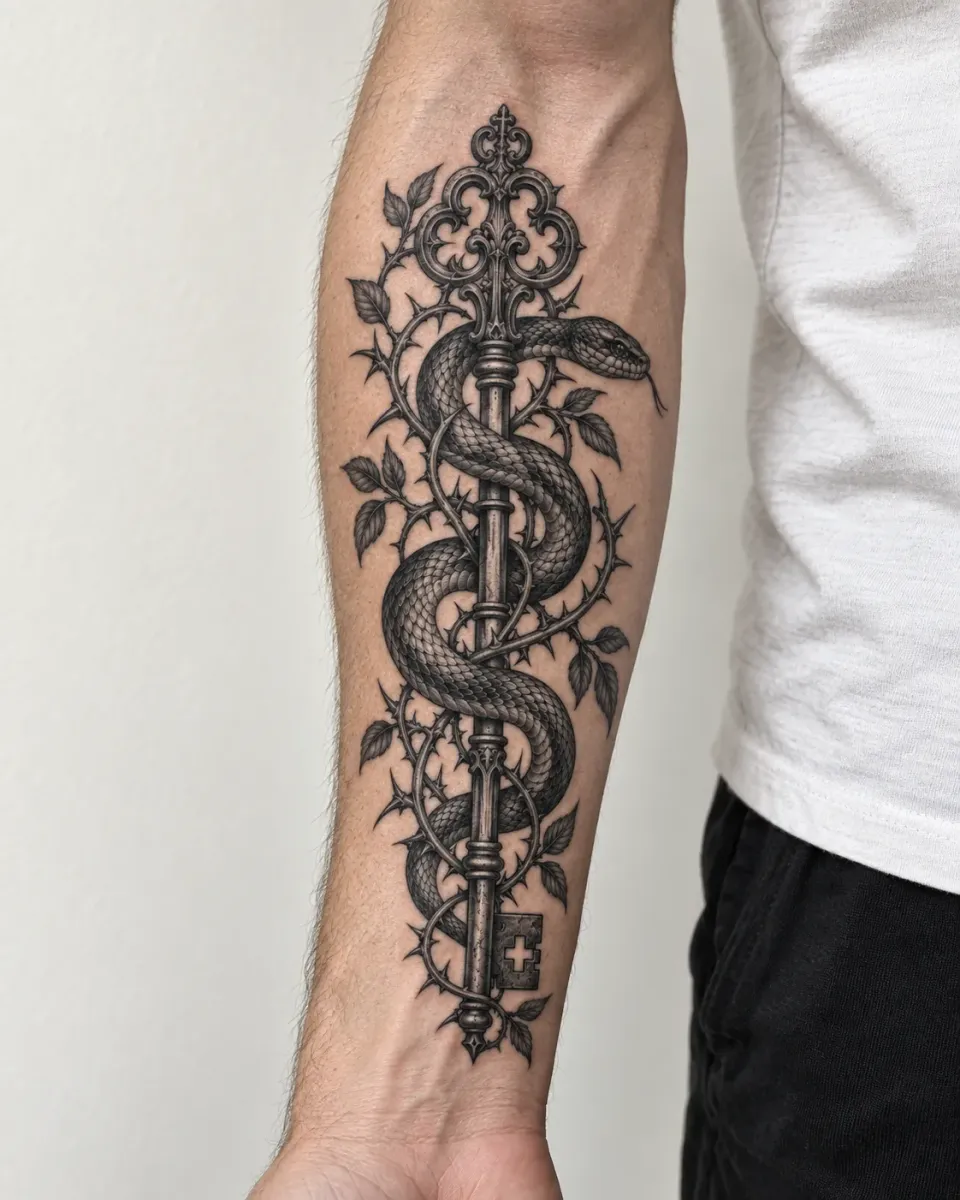
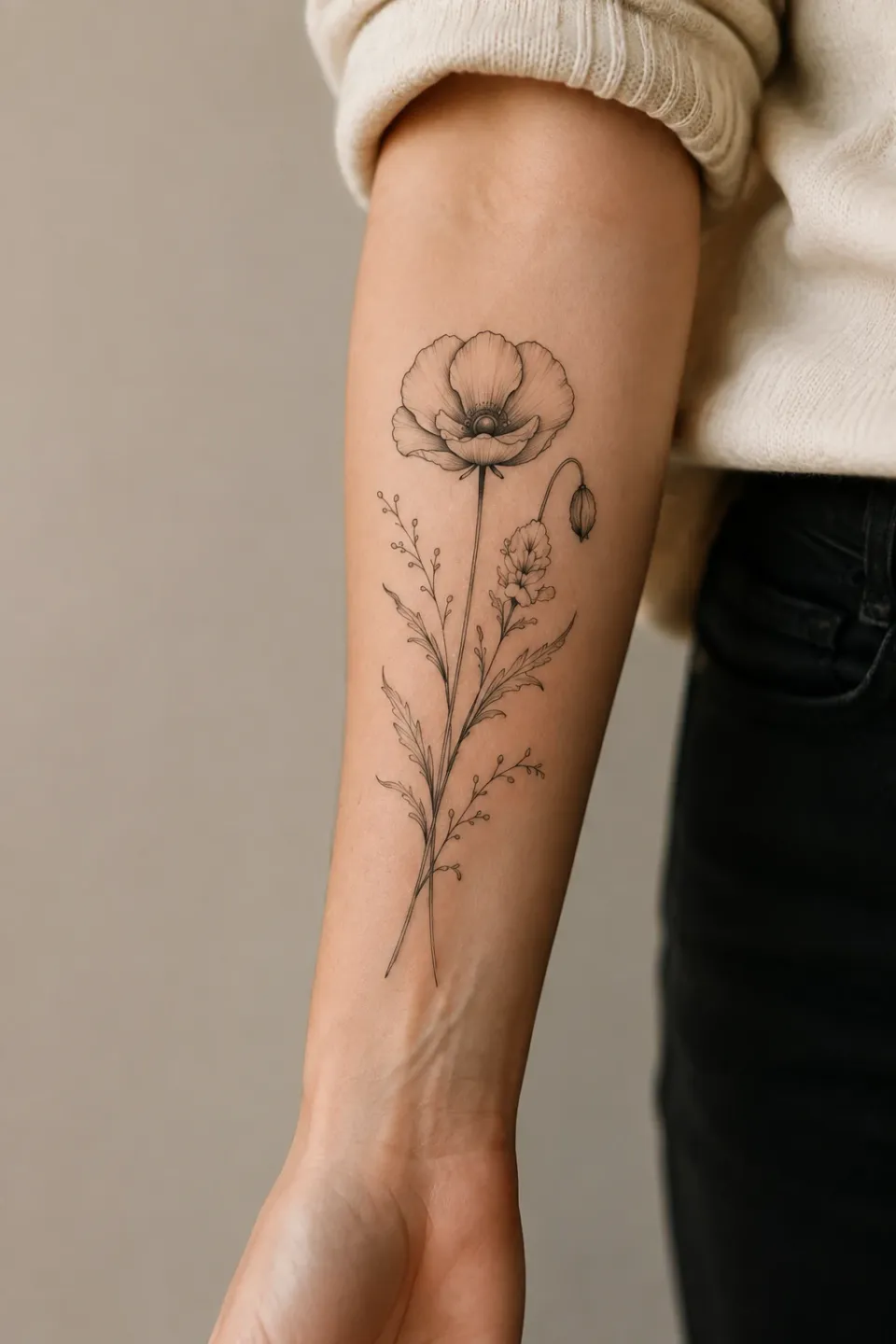
Try a design on a forearm, shoulder, back or calf and compare it with the photo before the tattoo.
Your photo stays on your device
Your body photo is not uploaded while you preview. It is only uploaded if you choose to save the finished preview to your account.
How to use the Tattoo Try-On
Choose a design and a photo
Use one of your designs, your own image or a sample, plus a sample body photo or one from your device.
Place and adjust it
Drag, resize, rotate, mirror and change opacity, then compare with the original photo.
Download or save
Download a PNG right away, or save the preview to your account to share with your artist.
Tattoo Try-On FAQ
Is the tattoo try-on free?
Yes. Previewing and downloading a PNG are free and use no credits. Saving to your account needs sign-in.
Is my body photo uploaded?
No. It stays in your browser tab. It is only uploaded if you choose to save the finished preview to your account.
Is this a realistic simulation?
It is a 2D placement preview. It is good for judging size and position, not for predicting how healed ink will look.
Can I try on lettering or my own design?
Yes. Use a design from the AI Tattoo Generator, lettering from the Tattoo Font Generator, or upload your own image.